
In my last post I shared how the AI company Anthropic has made its premium version of Claude available to educators free of charge during the 2026-2027 school year. One feature that Claude has, and other key AI providers do as well, is something called Projects. I have found this to be extremely useful in organizing my work with AI, and I think you will too.
I am going to share some screen shots from ChatGPT since I have more work collected within this service. Simply put, Projects are a way to organize all your queries around a single topic. Within each project, one may create multiple “chats” that are related to the original topic. Projects in Claude and ChatGPT are both found in the upper left of your main screen.
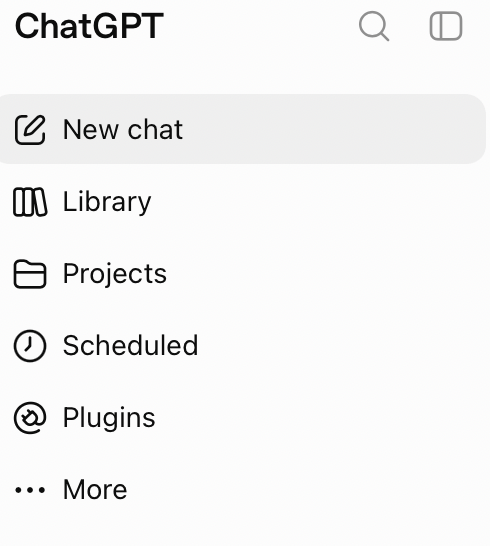
Open Projects and add a new project using the + symbol. Given this a simple, descriptive name that will make sense to you over time. Then start creating queries based on topics related to your Project. I find it VERY useful to create chats on each major topic for the project.
One of my projects is entitled “Writing Ideas”. As you might guess, my writing takes many different forms — professional writing, blogging, baseball research, etc. Creating a new chat for each significant genre is helpful. In addition, I have crafted queries to help me arrive at a workable plan for moving forward with regular writing.
When one adds a new chat to the project you can clearly see the various topics that have already been created that are related to the main topic. See below:
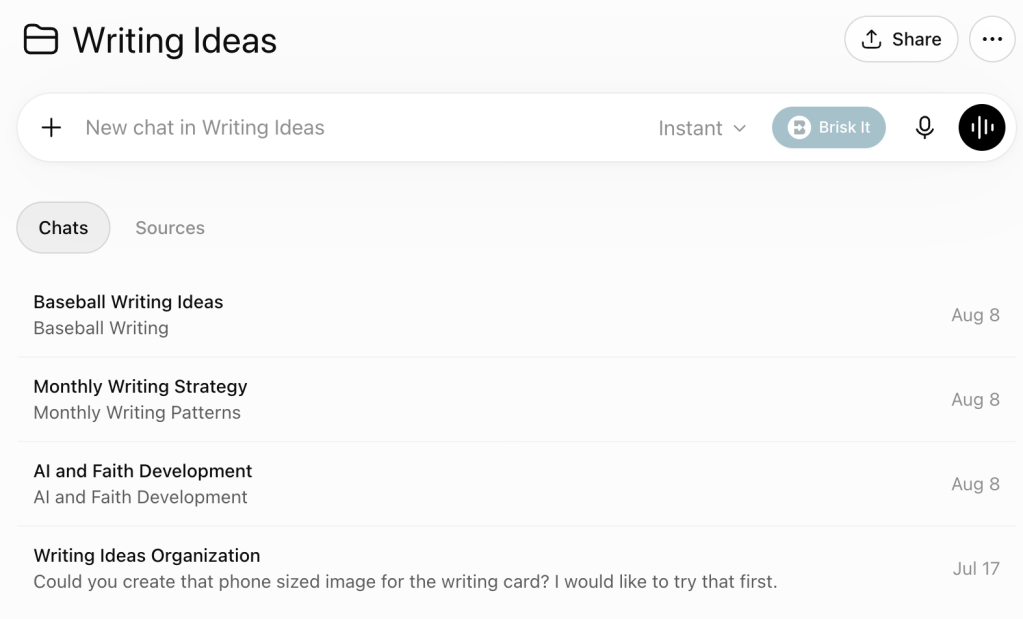
Instead of all my queries mixed together within the primary page of an AI service, Projects has helped me streamline my thoughts and work. I am thankful that this simple tool is available to assist me in increasing my efficiency and productivity.

